> For the complete documentation index, see [llms.txt](https://docs.sprinthub.com/llms.txt). Markdown versions of documentation pages are available by appending `.md` to page URLs; this page is available as [Markdown](https://docs.sprinthub.com/en/strategies/meta-business/how-to-open-a-support-ticket-with-meta.md).
# How to open a support ticket with Meta
Follow the steps in the screenshots:
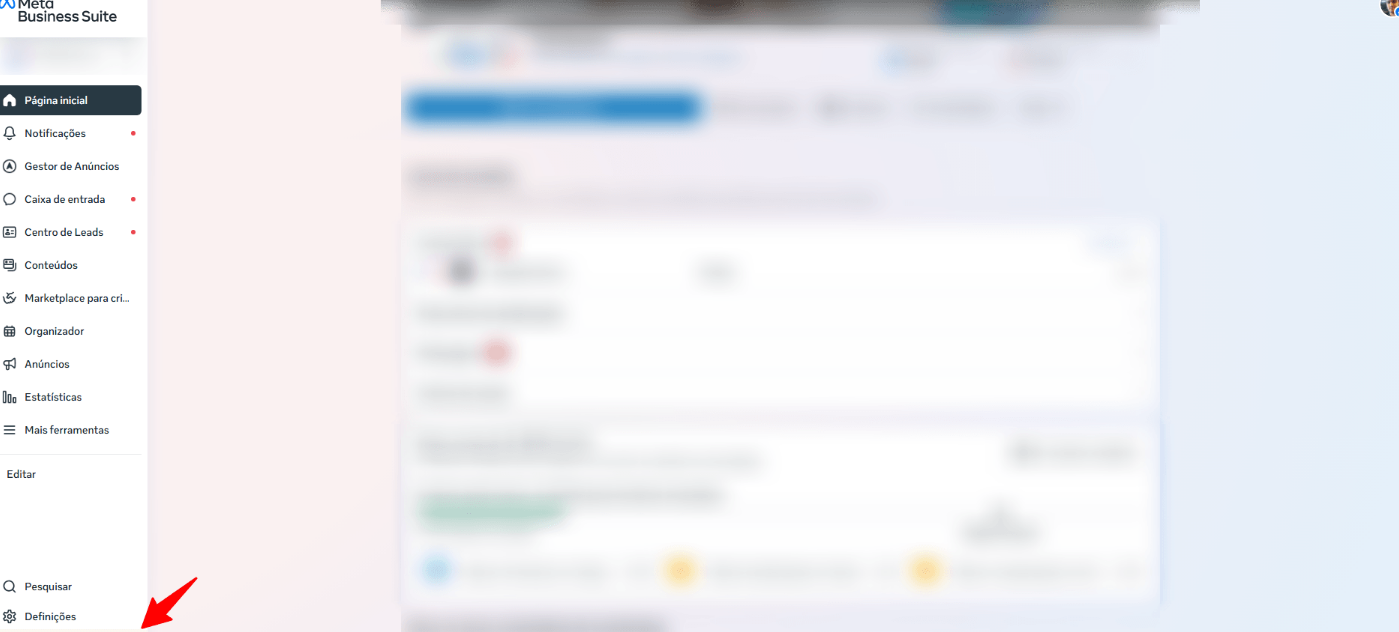
**Open Meta Business Suite** in the correct business account.
No **bottom left corner**, click on **Settings** (⚙️).
In the menu that opens, click **Help**.
The panel will open **Help** on the right side. Click **Contact Support** (it may appear as **Talk to Support**).
Choose the **issue topic**, write a **short summary**, **attach screenshots** and **send**.
### Quick tips
* Have the **IDs** (BM, ad account, campaign, WABA/number if it's WhatsApp).
* Explain **what happened**, **since when** and **what you have already tried**.
* Follow the response in the **Support Inbox/Support Inbox** of Business.
* If the button doesn't appear, try during **business hours** and/or change the help language to **English (US)**.