> For the complete documentation index, see [llms.txt](https://docs.sprinthub.com/llms.txt). Markdown versions of documentation pages are available by appending `.md` to page URLs; this page is available as [Markdown](https://docs.sprinthub.com/en/common-questions/automation-template/integrated-webhook-template.md).
# Integrated Webhook - Template
Automation using webhooks is essential to provide efficient, fast, and personalized communication between systems.
Using automation templates allows companies to respond quickly to requests, maintain consistency in responses, and optimize resources. In this article, we will explore how to create an effective automation template for webhooks, covering the essential steps and best practices.
### Steps to Create an Automation Template for Webhooks
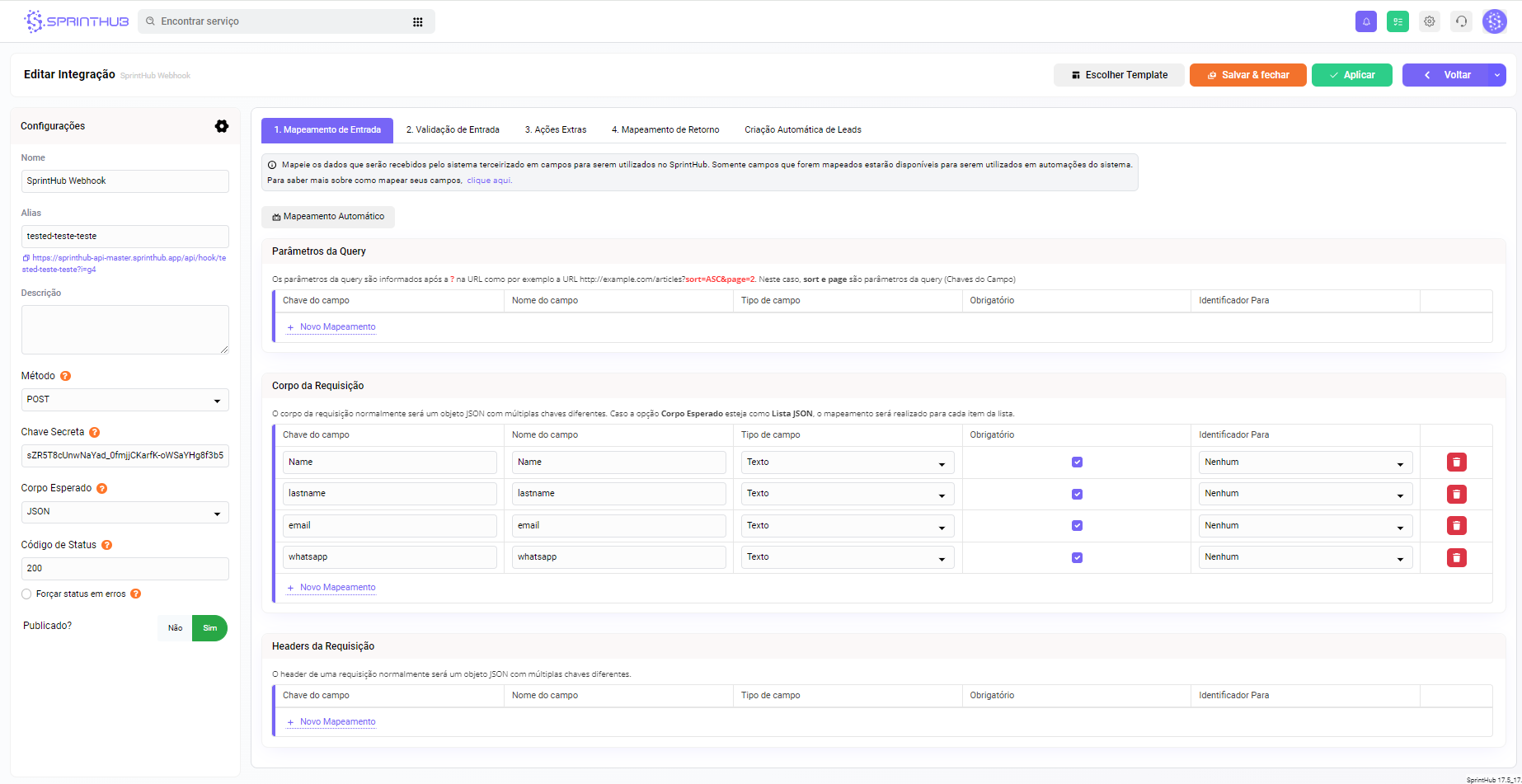
#### With the webhook already created, return to the home screen
**Click on your webhook's name:**
Next to "Back" there is a selector button, just below "Create template".
**It will have the options for Name, Description, and whether it is public or not.**
**What changes if the template is public or not?**
If yes, any and all users in your Sprinthub environment can access it; if not, you need to select who can view the template.
### Creating a webhook with the template